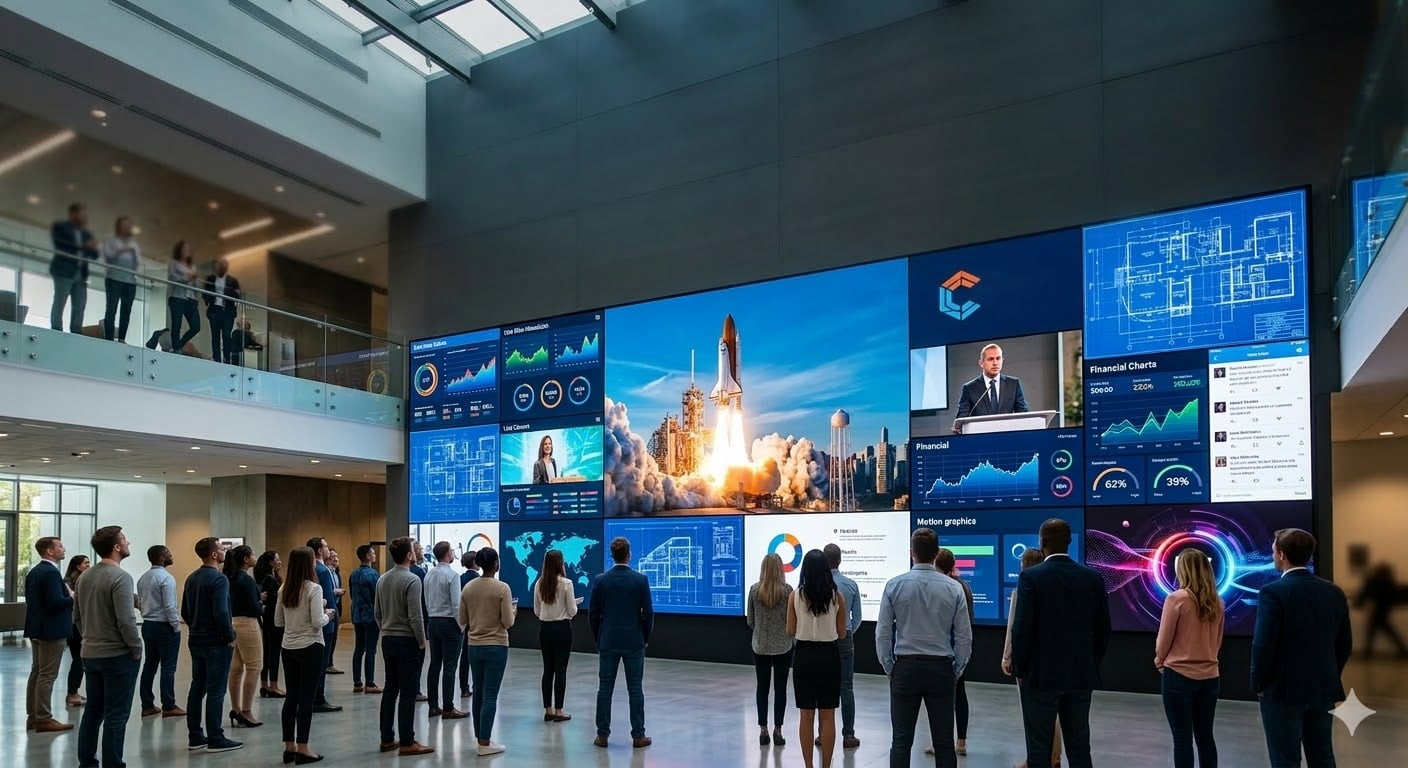
Are you worried that your expensive LED wall project might not play the specific files your client provides? A black screen or an error message during a live event is a nightmare. You need to know exactly what content works to avoid embarrassment.
An LED video display screen wall1 can display almost any digital content, including videos (MP4, AVI), images (JPG, PNG), and live text. Because modern LED controllers synchronize directly with computers, they act as a giant monitor, displaying whatever is playing on your desktop in real-time.
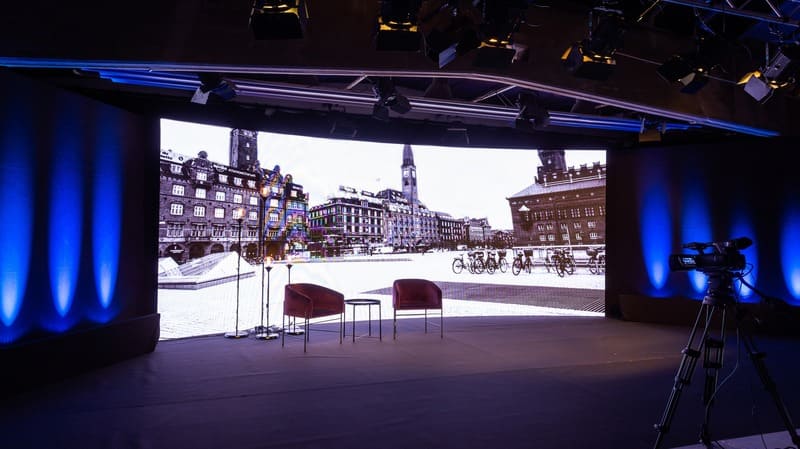
Many people think LED walls are complicated and restrictive. They are actually very flexible. I will explain the details of formats and technical requirements below.
What specific file formats2 can you show on an LED screen?
Clients often send weird file types that might not load on standard players. This causes delays and panic right before a show starts. You need a list of safe formats to ensure smooth operation every time.
Most LED control software3 supports standard formats. For video, use MP4, AVI, or MOV. For images, JPG and PNG are best. You can also display Word documents, PowerPoint slides, and scrolling text messages directly through the software interface.
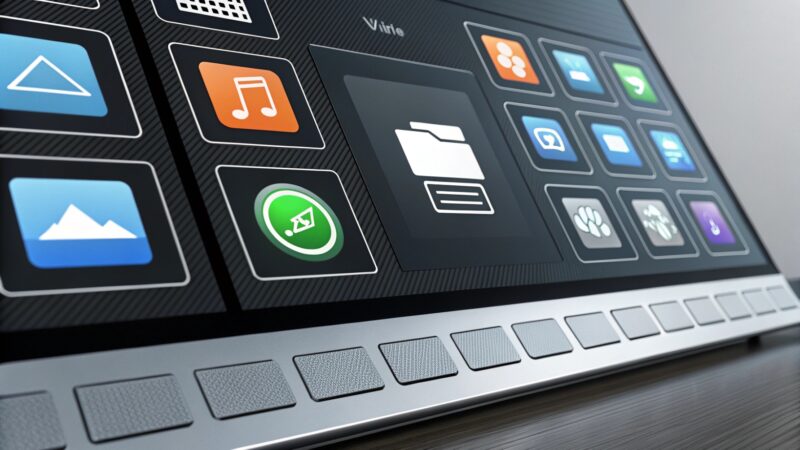
In my experience manufacturing displays for global distributors, I see that the "brain" of the operation is just as important as the screen itself. The LED screen is the canvas, but the control system determines what you can paint on it. When we supply systems to integrator4s, we usually include software like Novastar or Linsn. These programs are very powerful. They allow you to create playlists that mix different types of media.
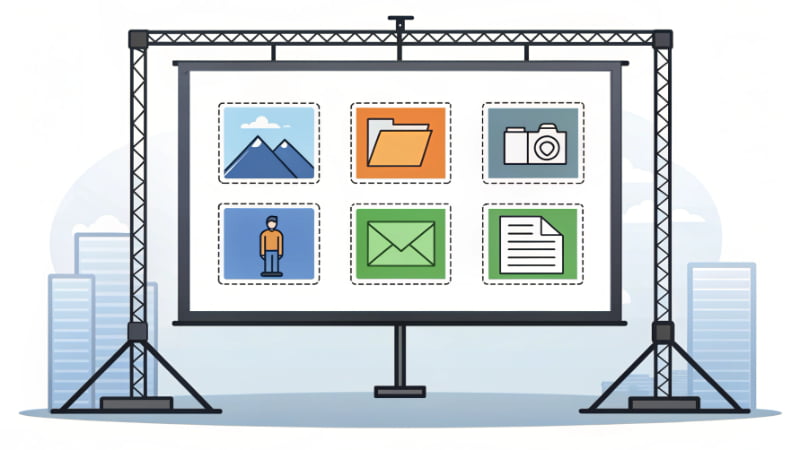
You are not limited to just one type of file. You can have a video playing in one corner, a logo image in another corner, and a scrolling text ticker at the bottom. This is called "windowing." For B2B projects like control rooms or shopping malls, this is essential.
Here is a breakdown of how different formats are typically used in our industry:
| Content Type | Recommended Formats | Best Application |
|---|---|---|
| Video | MP4, AVI, WMV, MOV | Commercial ads, movie clips, dynamic backgrounds. |
| Images | JPG, PNG, BMP | Brand logos, static advertisements, slideshows. |
| Documents | PPT, PDF, DOC | Conference presentations, meeting data. |
| Text | TXT, RTF | Emergency notices, welcome messages, news tickers. |
We always tell our partners to test the content on the specific media player before the event. While the screen can show anything, the computer or player needs the right codecs. If your computer can play the file, the LED screen can usually show it.
How does real-time screen synchronization work?
Pre-loading content takes time and limits your flexibility during a live event. If a speaker changes their presentation at the last minute, you are stuck. Real-time synchronization solves this instant problem effectively.
Synchronous control systems allow the LED wall to map your computer monitor pixel-for-pixel. By using an HDMI or DVI connection, whatever you see on your PC desktop—websites, live streams, or software interfaces—appears instantly on the large LED display without file transfer.
This feature is what makes LED screens so useful for conference rooms and command centers. We call this "synchronous control." It works exactly like plugging a projector into a laptop, but the image is much brighter and sharper. When we design P1.2 or P1.5 fine-pixel screens for indoor use, this function is the main priority.
The process is simple. You connect the computer's graphics card output to the LED sending box (or video processor5). The sending box takes that signal and pushes it to the receiving cards inside the LED cabinets. This happens instantly. There is almost no delay.
This means you are not limited to saved files. You can open a web browser and show a YouTube video. You can open a live camera feed for a concert. You can run complex data visualization software for a traffic control center. If it is on your monitor, it is on the wall.
However, you need to consider the hardware chain.
- Source: Your PC needs a good graphics card.
- Processor: A video processor5 scales the image to fit the wall.
- Connection: High-quality HDMI or SDI cables are needed for stable signals.
If you are an integrator4, you must explain this to your end-user. They do not need to convert files to a special "LED format." They just need to know how to use their computer. This makes the system very user-friendly for daily operation.
Why does pixel pitch6 matter for content clarity?
A blurry image on a giant screen looks cheap and unprofessional. Your clients will be angry if their logo looks like blocks or is unreadable. You must understand resolution scaling7 to prevent this quality issue.
If the LED screen resolution is lower than your content source, the image will look pixelated or distorted. You must match the content resolution to the screen's physical pixel count. For detailed text or data, use a fine pixel pitch6 (P1.2-P1.8) to ensure readability.
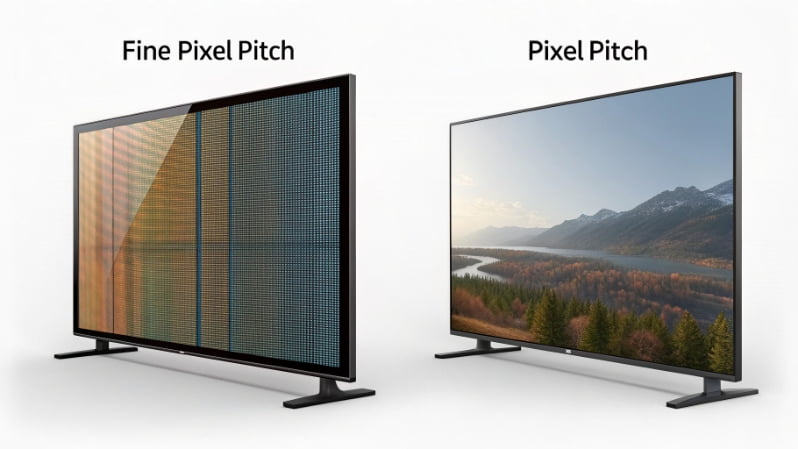
This is the most critical technical insight I can share. Just because you can display a computer screen does not mean it will look good. A computer monitor is usually 1920x1080 pixels (Full HD). But an LED wall has a physical limit based on its size and pixel pitch6.
For example, if you have a small P4 outdoor screen, the total resolution might only be 500x500 pixels. If you try to force a 1920x1080 computer desktop onto that 500x500 screen, the video processor5 has to "shrink" the image. This causes massive loss of detail. Small text becomes impossible to read. Thin lines disappear. The image looks deformed.
We see this problem when customers buy the wrong product for their application. If a customer wants to show Excel sheets or detailed maps, we refuse to sell them a P3 or P4 screen. We insist on P1.2 or P1.5 COB solutions.
Here is how to think about resolution matching:
- Pixel-to-Pixel Mapping: This is the best quality. If your LED wall is 1920 pixels wide, send a 1920 pixel wide video. No scaling is needed. The image is perfect.
- Down-scaling: Showing a 4K video on a 2K screen. This usually looks okay, but you lose fine details.
- Up-scaling: Showing a low-res video on a high-res screen. This looks blurry and blocky.
Before you promise a client that they can "sync their computer," you must calculate the total resolution of the LED wall.
Formula: (Screen Width / Pixel Pitch) = Horizontal Resolution
If the result is low (under 1000 pixels), warn the client. Tell them to use large text and simple images. Do not try to display a full Windows desktop on a low-resolution screen. It will be a disaster.
Conclusion
LED walls handle video, images, and PC mirroring easily. However, you must match your screen's pixel pitch6 to your content resolution to ensure a clear, professional result for your projects.
Explore this link to understand the functionality and versatility of LED video display screen walls. ↩
Discover the essential file formats that ensure smooth operation on LED screens. ↩
Explore various LED control software that can enhance your display capabilities. ↩
Find out the role of integrators in ensuring effective LED display setups. ↩
Explore the function of video processors in scaling images for LED displays. ↩
Understand the significance of pixel pitch in achieving high-quality visuals on LED screens. ↩
Discover how resolution scaling impacts the quality of images on LED screens. ↩